



Magic Vini: simple design, more ways to take control
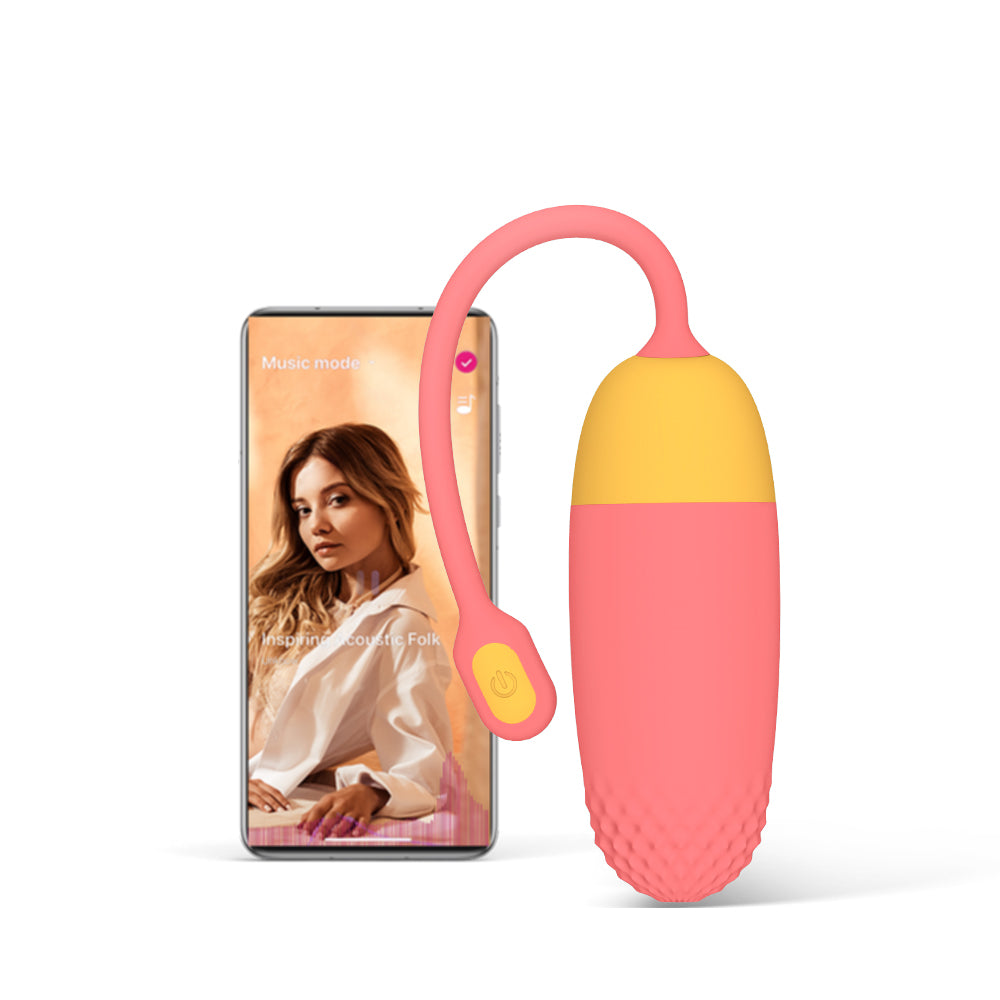
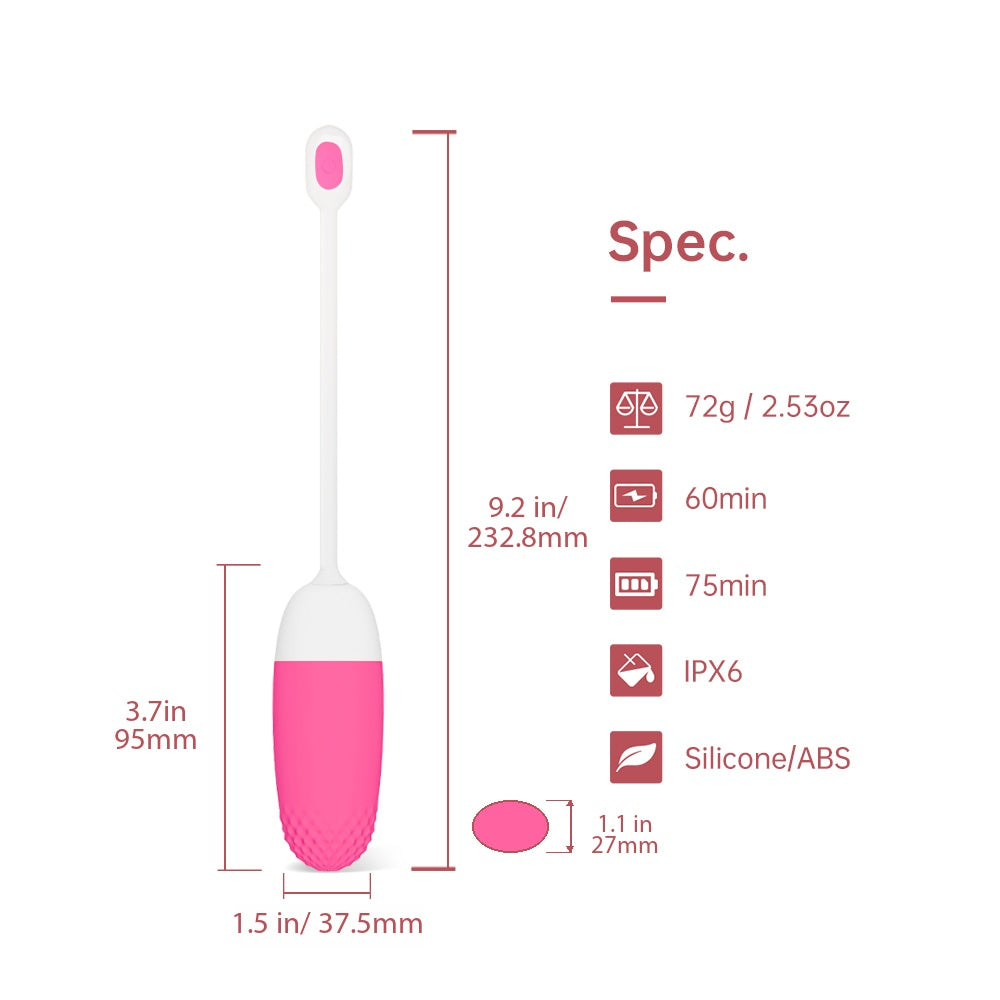
An app-controlled bullet vibrator with a two-tone design, textured tip and easy-to-find button. Keep it simple with button control, or connect through the Magic Motion app.

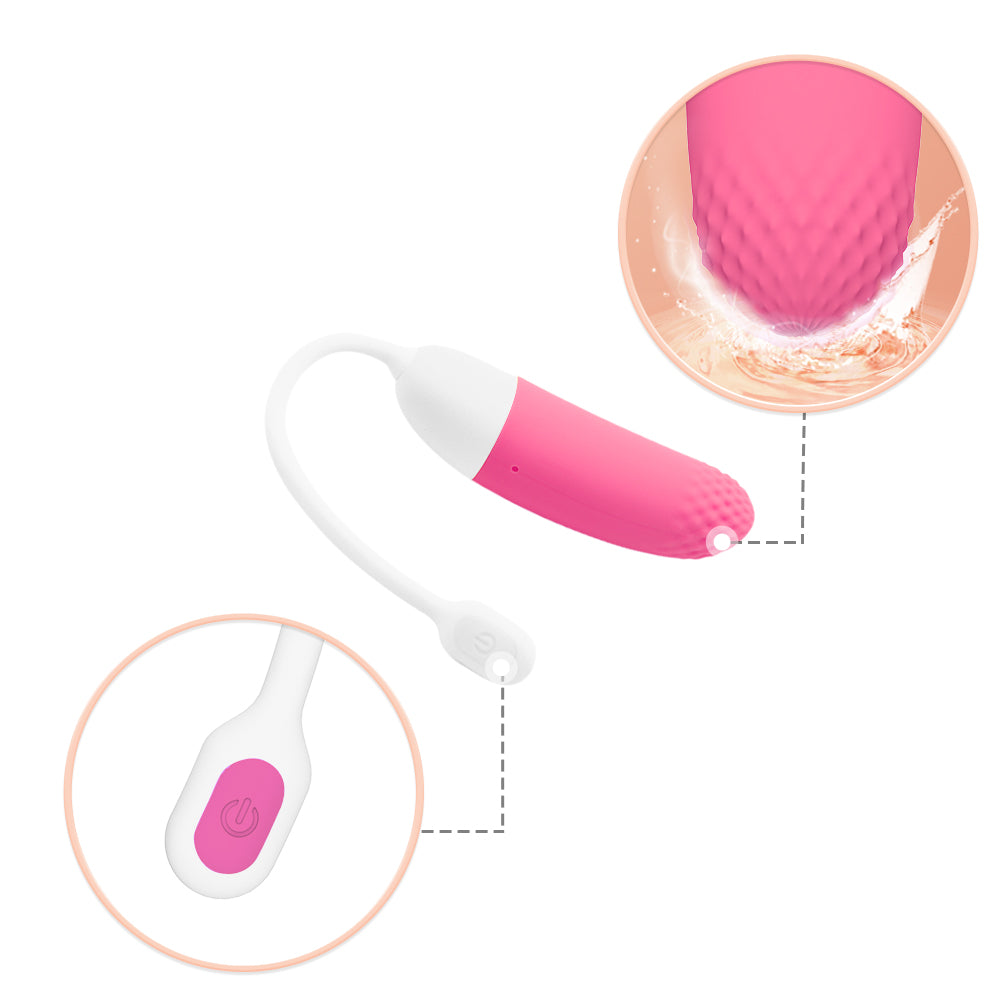
Clean lines. A textured finish.
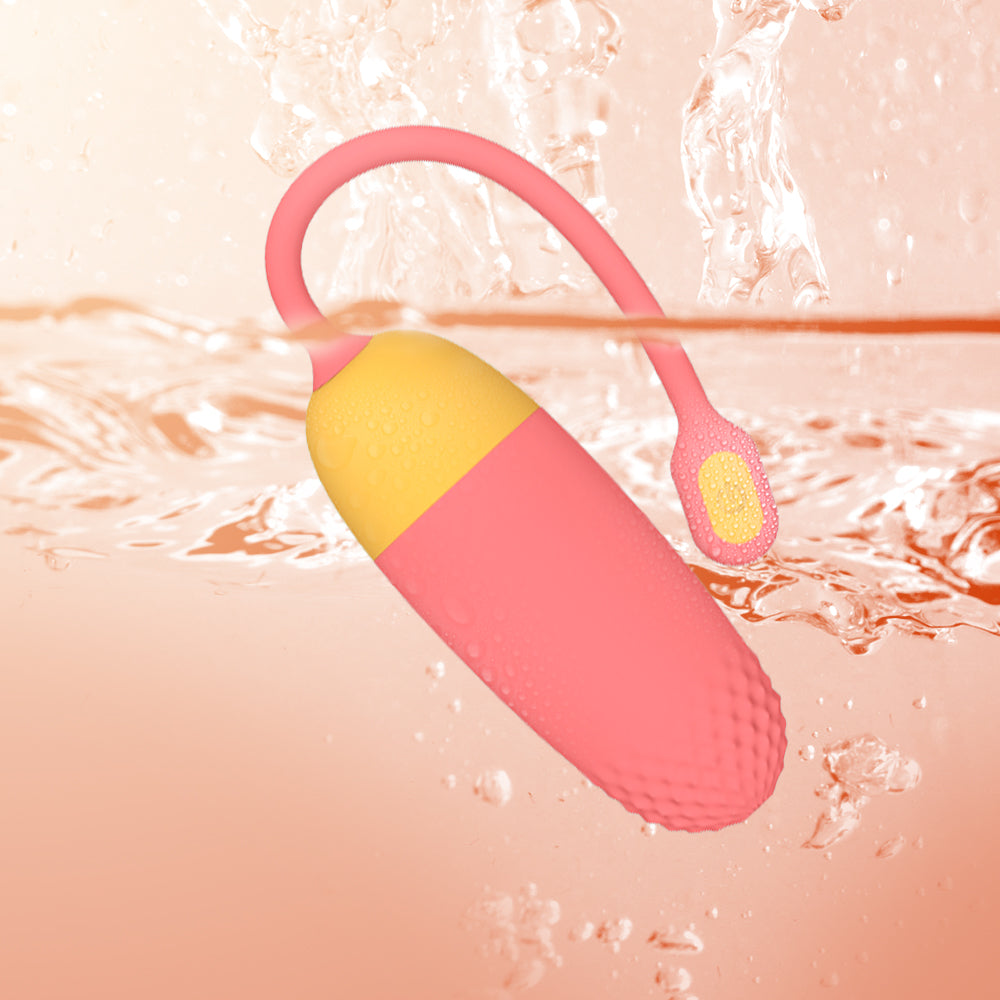
Clean lines, a two-tone finish and an uncluttered shape give Vini its understated character. The textured tip adds a tactile detail.

Start with a button
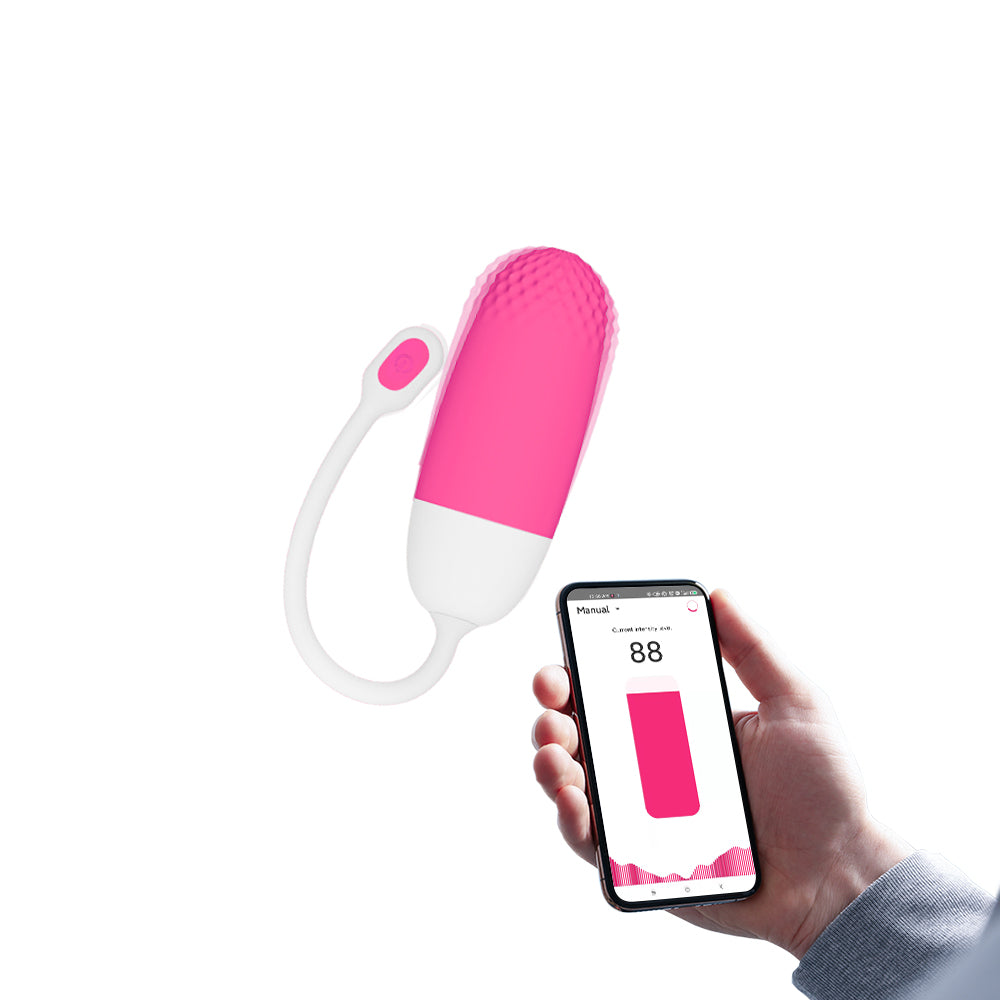
Choose the on-toy button when you want to keep things simple.

More control in the Magic Motion app
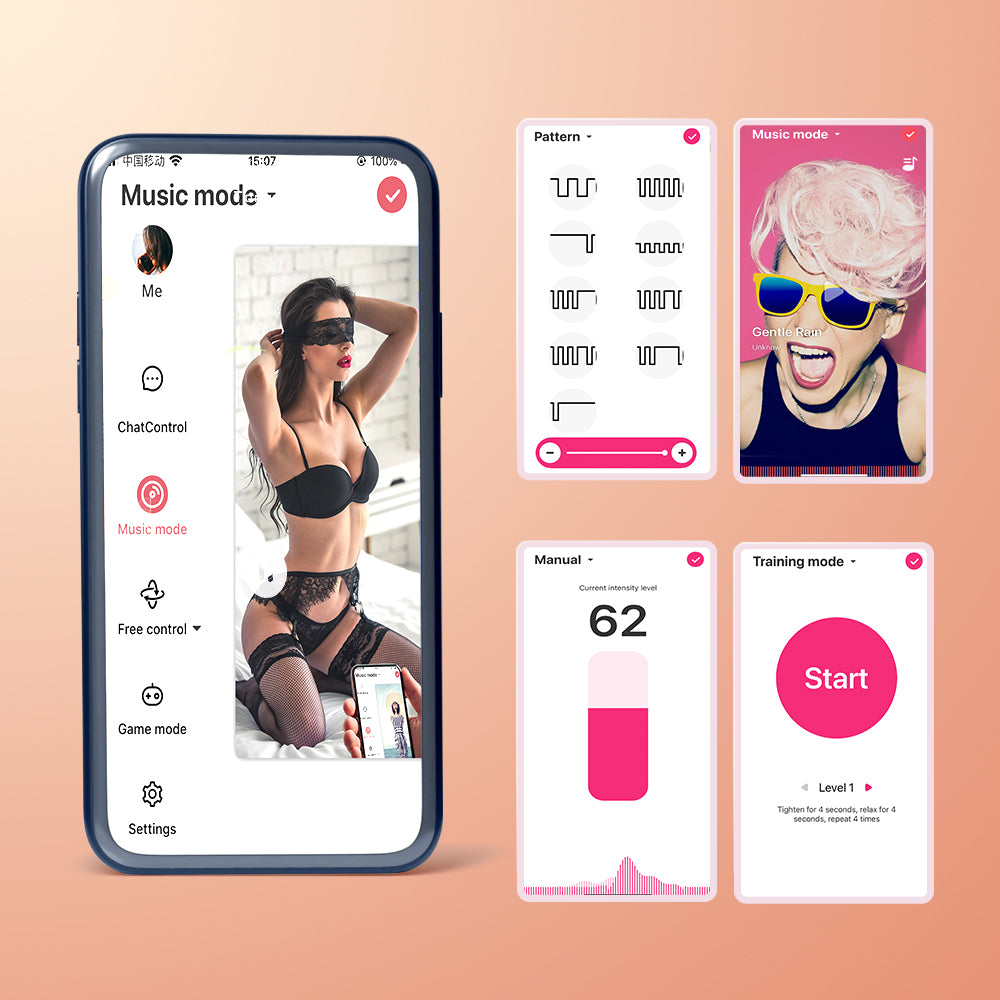
Use the Magic Motion app to explore patterns and adjust intensity. For partner play, connect only when you both want to share control.
App interface illustration. Available screens may vary by app version.

A considered finishing touch
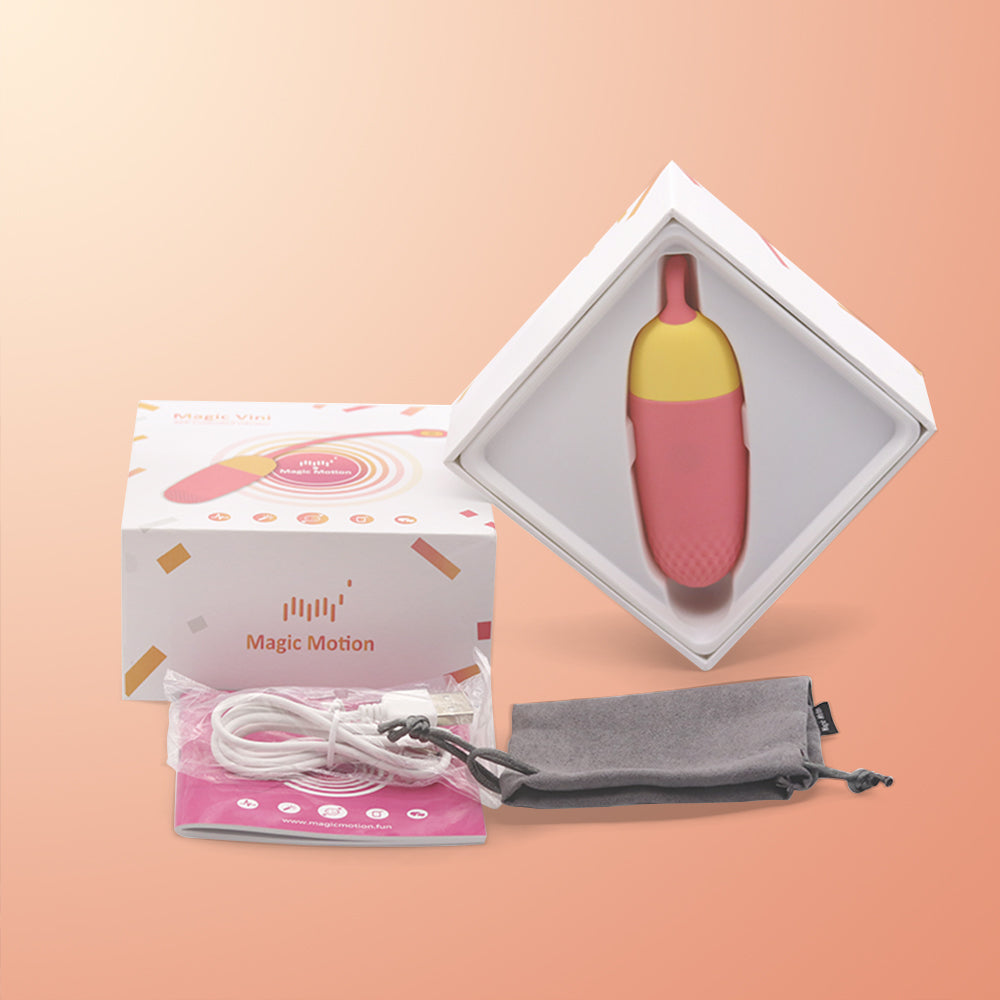
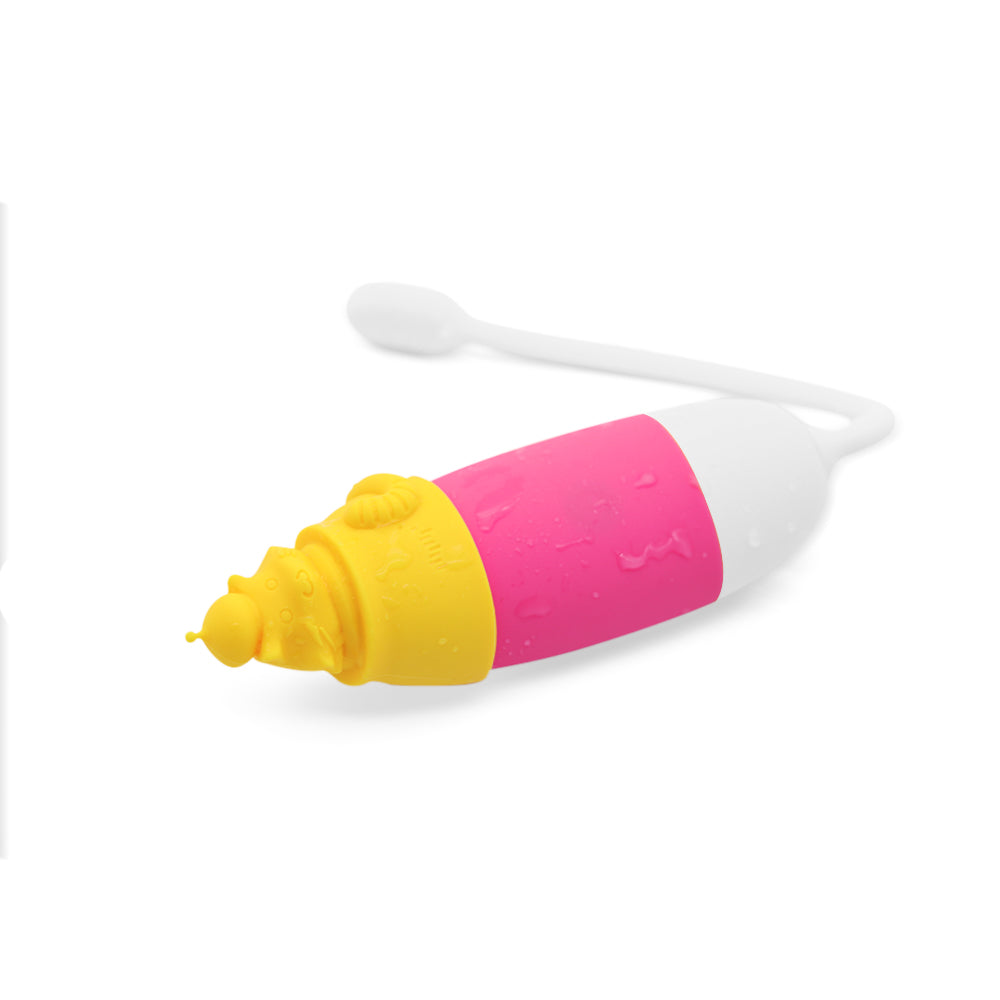
Vini's illustrated retail box brings its two-tone design into the unboxing.
Before you choose
Can I use Vini without a phone?
Yes. The on-toy button offers a no-app option. A phone is needed for app and long-distance partner control.
What makes Vini's design different?
A two-tone body, textured tip and curved tail with a visible button give it a simple, recognisable shape.
How does long-distance control work?
The product stays connected to your nearby phone. Both partners need the Magic Motion app, internet access and an accepted partner connection.
Where can I get setup and care help?
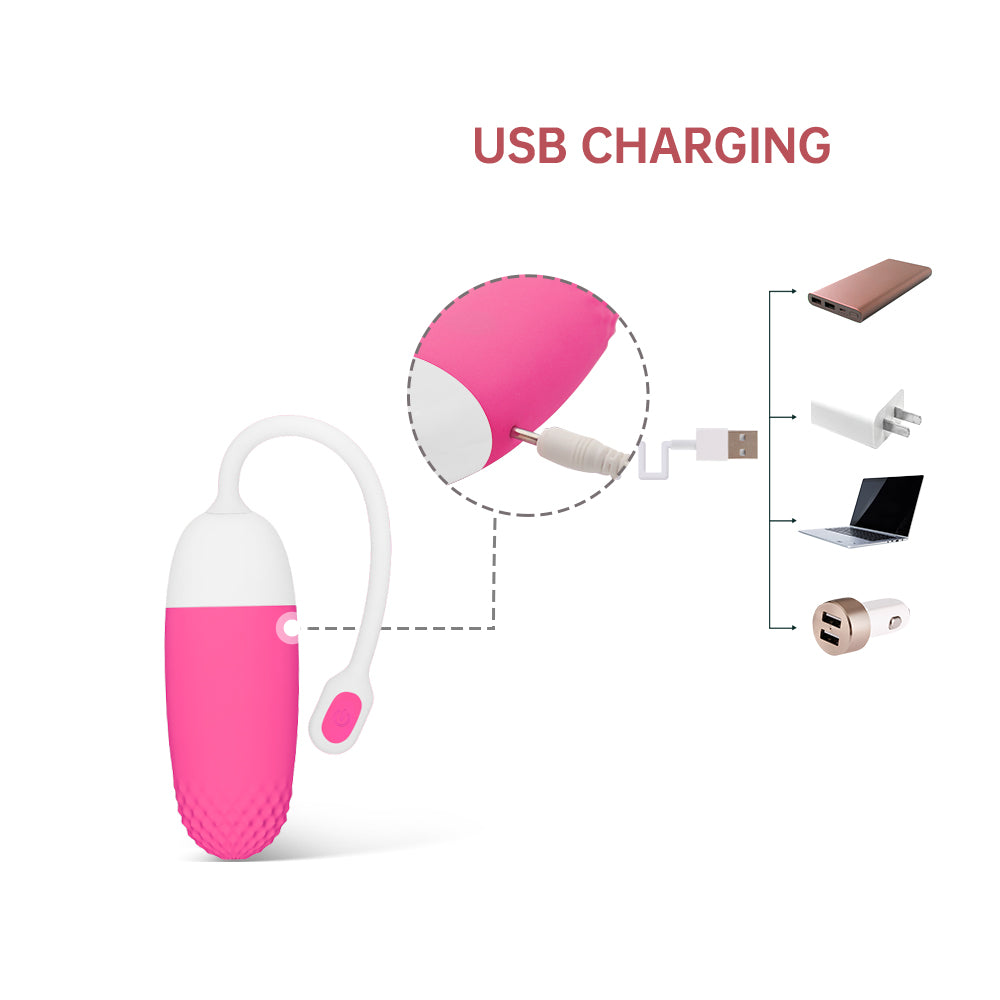
Follow the user guide supplied with your product for charging and cleaning. Contact Magic Motion for help with your specific model.